Billing & Subscription
Payment method
Only support Strip now.
If you want to use other methods, please contact me via email.
How to pay
- Go to
Settings->Billing->Subscription - Click
Pay for one more yearor alike buttons
Subscription information
In the subscription settings, you can view the subscription price, period, whether it is paid, etc. If it is not paid, a payment button will be displayed.
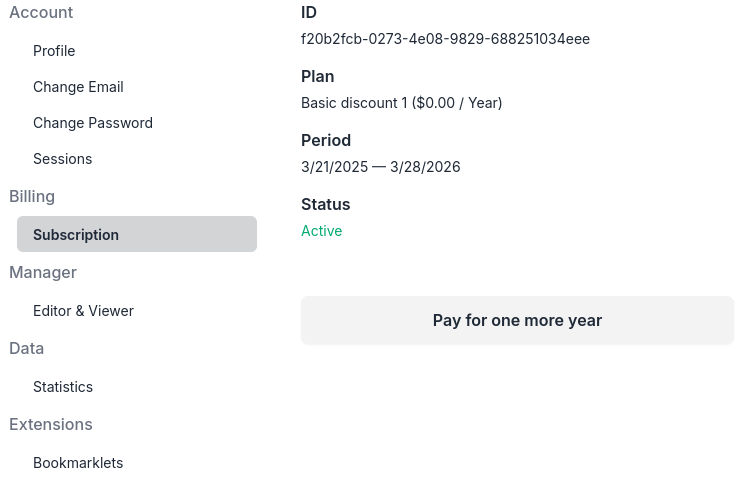
Subscription infomation or pay for your subscription
Trial
There is a 7-day free trial with limited usage after signing up.
Usage for trial: 1000 resources, instances, or keywords, 100 systems.
No credit or debit cards needed.
Refund
There is a 7-day refund period after payment, and you can request full refund at any time for any reason within this period.